
Posts

  • Switching from Windows 10

    Support for Windows 10 is ending on October 14th, 2025 for consumers. After this date, Microsoft will no longer provide security updates to the operating system, which leave it vulnerable to future exploits and security loopholes.

    Your system will not be put into immediate danger once supports stop, as existing security updates should already shield you from all known risks. However, this cannot be guaranteed for later times, especially since Windows is widely targeted for vulnerability every year. Regardless, your system should be updated sooner or later.

    Windows 11

    For most people, updating to Windows 11 is the most obvious choice. If your system supports it right out of the box, it should be offered automatically as a Windows update. It will work regardless of how you install Windows and whether your copy is activated or not. Install that, and you are done.

    If your system is somehow being reported as unsupported, it’s not over yet.

    When Microsoft don’t like your specs

    You can still update to Windows 11 on “unsupported hardware” even though Microsoft won’t support such use cases. This article gives you a step in doing so.

    You will still receive Windows 11 updates like normal when doing this, but beware that issues might happen more often even if it’s quite rare.

    Linux

    Just switch to Linux!

    Average tech redditor 2020s

    Linux-based operating system are well known for their openness and more self-control over Microsoft’s centralized approach to Windows. Depending on which software you currently use or planned to use, switching to and using Linux can be adapted to easily. Installation is also much easier if your system is a desktop or any laptop that offers Linux from factory.

    On the other hand, if you’re relying on something that does not work fully on Linux, it’s better to stay on Windows.

    Installation overview

    Before moving forward:

    • Linux by itself is not one completed operating system, but rather a crucial part of an operating system that anyone can use to build their own.
    • Linux distributions are operating systems that uses Linux. When we refer to Linux in the common world, we mostly referring to its distributions.
    • Linux distributions differs from each other by the software and desktop UI it came with. There is no definitive answer to which distribution is “the best”, as each are tweaked for particular use cases.

    You cannot directly upgrade to Linux from Windows, so it must be done as a clean install. If you want to do this, then back up all of your data onto a drive where the operating system is not running on.

    For most people, here are some recommended distros you can use for your system. Again, you’re free to choose beyond the list:

    In addition, here are some that I don’t particularly recommended:

    • Arch Linux: A bare-bone Linux installation with no system drivers available out of the box. Extensive command line usage is required to fully configure the OS
    • SteamOS: Made specifically for the Steam Deck and system certified by Valve. May work on other system, but is not officially supported. Instead, you can try Bazzite for a similar experience

    Gaming on Linux (in a nutshell)

    The majority of PC games are only available on Windows with some having native Linux compatibility (like Minecraft). Compatibility falls on the same boat as the Steam Deck, as any games that are marked as “Deck-verified” or any similar status will also work on any other Linux system that can run Steam. Performance will vary based on hardware specs. To see a list of compatible games, you can go to ProtonDB.

    In general, any games that utilizes third-party DRM (like Fortnite or Destiny 2) will not work on Linux unless the developer supports it. If you love any games that has it, Linux is unfortunately not ready yet.

    If you decided to go with the Linux Gaming route, please keep in mind that there are scenarios where you will have to do more manual configuration to get things to work. For optimal simplicity, run everything via the Steam client.

    macOS

    Apple does not offer macOS outside of supported Mac devices. There are community projects like Hackintosh to make that work, but hardware compatibility are extremely limited. As it stance, there is no feasible way to install macOS on anything else.

    Sidenote: Apple Silicon Macs are ridiculously energy efficient and powerful compared to any other Windows devices currently on market. Unless you plan to use something not on macOS, or hate the UI in general, then I would recommend it over anything else.

    Other considerations

    Keep using Windows 10

    Is there anything stopping one from running Windows 10? No, besides the lack of security updates and compatibility for future hardware and technology.

    As Windows 10 still has the largest market share as of writing, it’s very unlikely for third-party developers to drop support for it for at least several more years to come. Everything should continue to work in the meantime.

    The fact that you can do this doesn’t mean it’s something you should keep doing. Computer operating systems, especially if they frequently interface with the web and newer technologies, do come and go. If Windows 11 is offered on your system, then you should update and move on. Eventually, you do have to.

    Hardware upgrade

    Is your system too weak for your need or do you need macOS? Those would be the criteria I use to determine if I need to upgrade an existing desktop on Windows 10.

    For unsupported system running Windows 11, I would keep using it unless it stops working or there’s something you dislike about it. Microsoft tends to nag people to buy a new system and recycle their existing one for those who didn’t meet their requirement, but that’s not really necessary. At least you can also sell it to get some money back rather than nothing at all.

    Summary

    To wrap up what I’ve been yapping about in this point, you should switch away from Windows 10 in this point in time. You have the following path:

    • System supports Windows 11 → Upgrade to Windows 11 with Windows Update
    • System does not support Windows 11 → Upgrade to Windows 11 using ISO image with slight modifications
    • Hate Windows or want to try something new → Install a Linux distro
    • Prefer macOS more → Get a Mac
    • System too much of a slowpoke → Upgrade your hardware
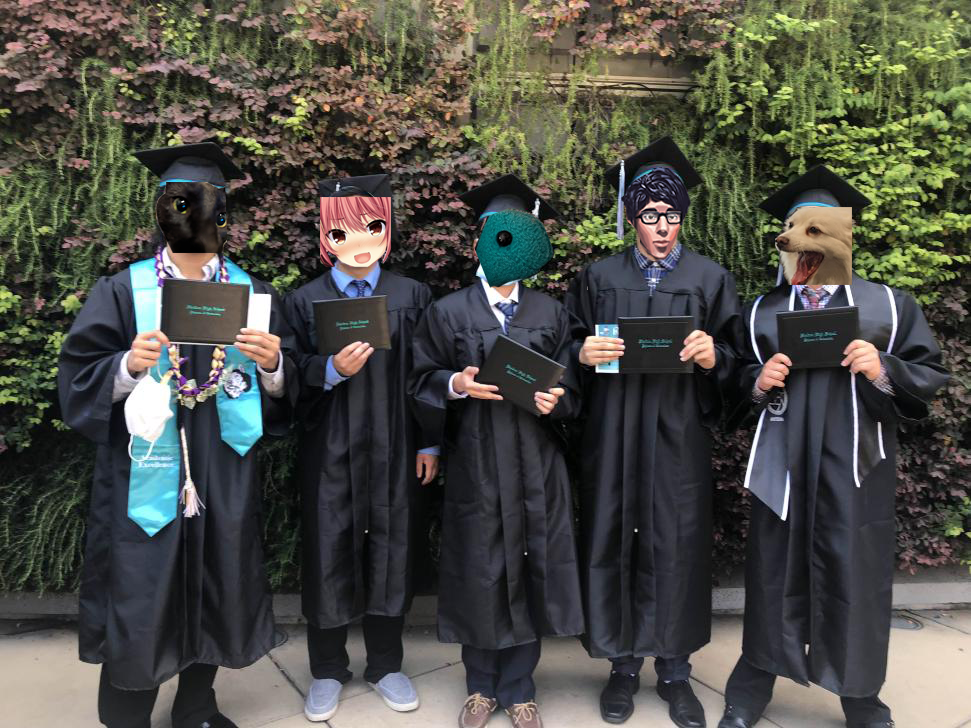
  • Introducing the Sheldon Bois College Debt

    Introducing the Sheldon Bois College Debt

    Let’s appreciate what starts it all.

    As resources for the College Debt SMP are moved into its own wiki, the former server website needs a new identity to not look out of place within our brand new website universe. There has been a lot going on for the Minecraft server as well as all the IT related stuff for it, but nothing much for the bois themselves. And so, to unify everything under one name…

    Welcome to Sheldon Bois College Debt. We’re a non-capitalistic made-up organization of gaming nerds who identified themselves as the Sheldon Bois. Debt is our greatest enemy and is the number one source for shenanigans. This website is the central hub for all information and post pertaining to our activity at any point in time.

    Everything that we do all have an end to it. For most of them, it’s unclear when. While time still allows, any piece of memory can have a home here. The site itself is also very resilient from any internal infrastructure failure.

    There is no gatekeeping rules on who can write here moving forward. Any one of us now can. Refer to the editorial guide for instruction if you wish to contribute to our blog.

    For now, all Sheldon Bois College Debt SMP members are automatically considered to be one of us nerds. Everyone else are welcomed if they managed to beat the admission requirement that I came up with.
  • College Debt SMP: Beyond Vanilla

    College Debt SMP: Beyond Vanilla

    Presenting the most unusual addition to the server up to date.

    Ever since the beginning, the SMP has so far been a place where all of us would do two things: messing about and adventuring. We might be very bright minded with the first one even up to today, but the latter has become increasingly dry despite with the yearly game update. For this reason, time to go modded bois!

    Before getting into the new stuff, here are the boring changes since updating to 1.21:

    • Image2Map command is now available again
    • Improve chunk loading speed by a bit
    • The 1.21 preview datapack has been removed due to redundancy

    Ok, now for the new stuff:

    Gameplay

    • You can now sit down. Simply do /sit while standing on any block, stair, or slab you wish to lay your butt on
    • Craftable invisible item frame. Combine an Item Frame with Glass Pane to create. Useful for decorations

    World

    • You will now find new dungeons across biomes and dimensions to fight your way through to find possibly new enchantments. It’s trial chambers galore. You might need to get a drink first
    • Other than houses waiting to kill you, you will also find simple structures around the world too
    • Most biomes now received some subtle overhaul to spruce things up a bit. Same things for the nether
    • Fireflies are now a thing. They’re just chilling, and frogs don’t eat them

    Combat

    • Ender Dragon got buffed with new abilities. Good luck lol.
    • All mobs, ranging from Zombies to Elder Guardian, got slightly buffed with longer sighting range. Also good luck lol (Edit: temporarily disabled due to potential impact to redstone contraptions. Lmk if you want to try it out)

    The main theme surrounding this “update” is to introduce more variety into the world while maintaining the overall theme of vanilla Minecraft. With new places to explore, it fills in the gap that the game has been missing for a while. Doing all of these in groups are recommended.

    Something new…

    Things you see above could be change in the future based on feedback and game balancing. You are encouraged to leave your own thought about this new direction of the server. Suggestions for further changes are welcomed.

    All of the mods added so far can be disable/remove without affecting the stability and functionality of the world. Upgradability to newer versions of Minecraft is expected to not be affected.

  • New serversite is here!

    New serversite is here!

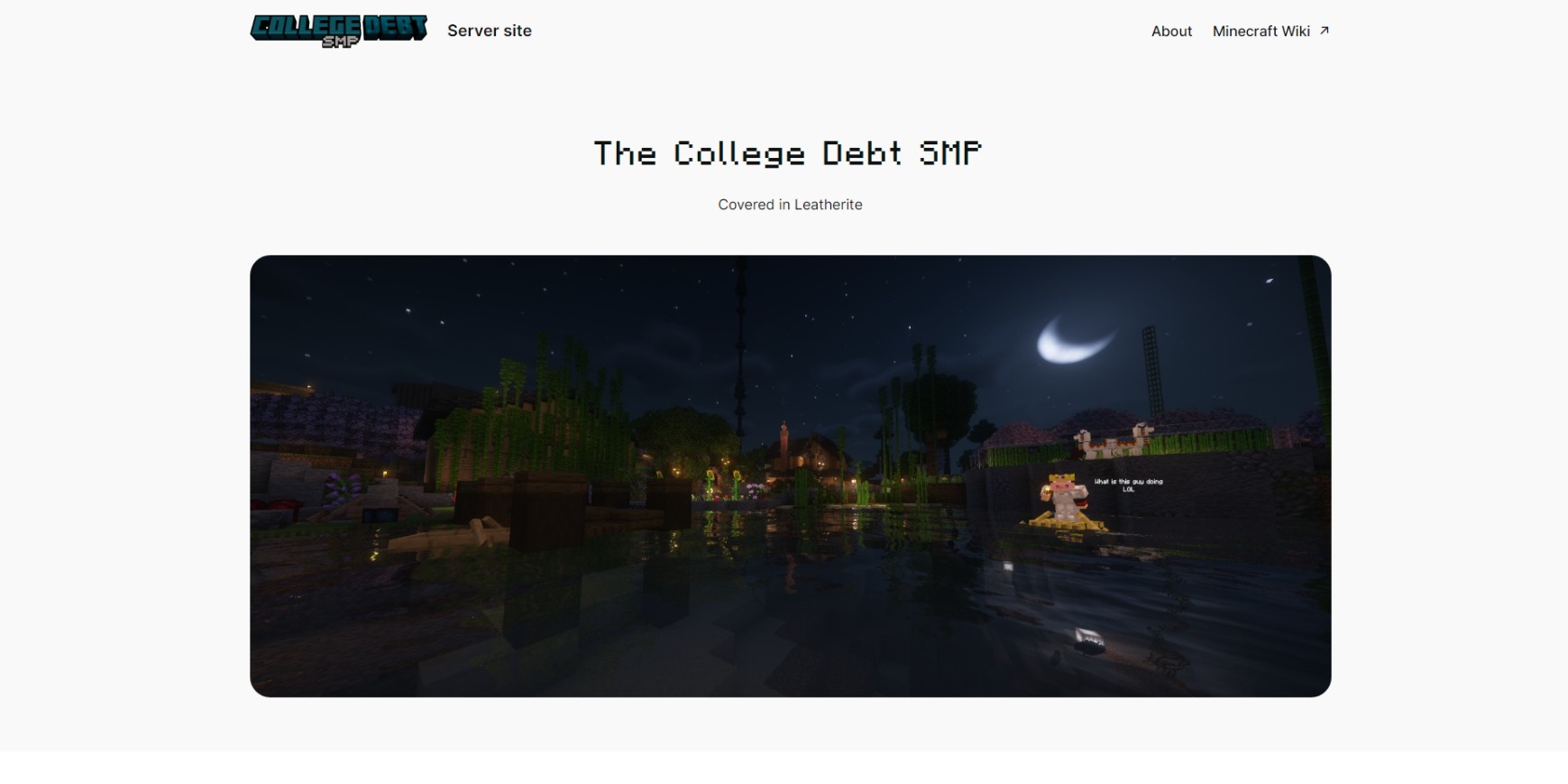
    The website was originally dedicated entirely for the College Debt SMP. This post announces its existence and does contain some outdated information

    Hello bois,

    The brand spanking new landing page for the SMP is here to go along with our recent corporate-like approach to us, apparently. There’s now a new server IP – mc.sheldonbois.us.kg – and a dedicated page to view the server status. To celebrate, introducing here is the ‘official’ theme song of the College Debt SMP:

    Ah yes, dem memes

    And for those who wonders. No, the SMP will not get commercialized as a result, and the server will remain whitelisted like before. This site was created as a free time project that should otherwise be used to play with tort.